Artist Gear & Supplies
Choosing a Receipt Printer for Your Art Show Checkout
Check receipt-printer compatibility, connection type, power, and paper needs before adding another device to your art-show checkout setup.
Practical Guide · Product information checked October 30, 2026 · Researched from published sources.
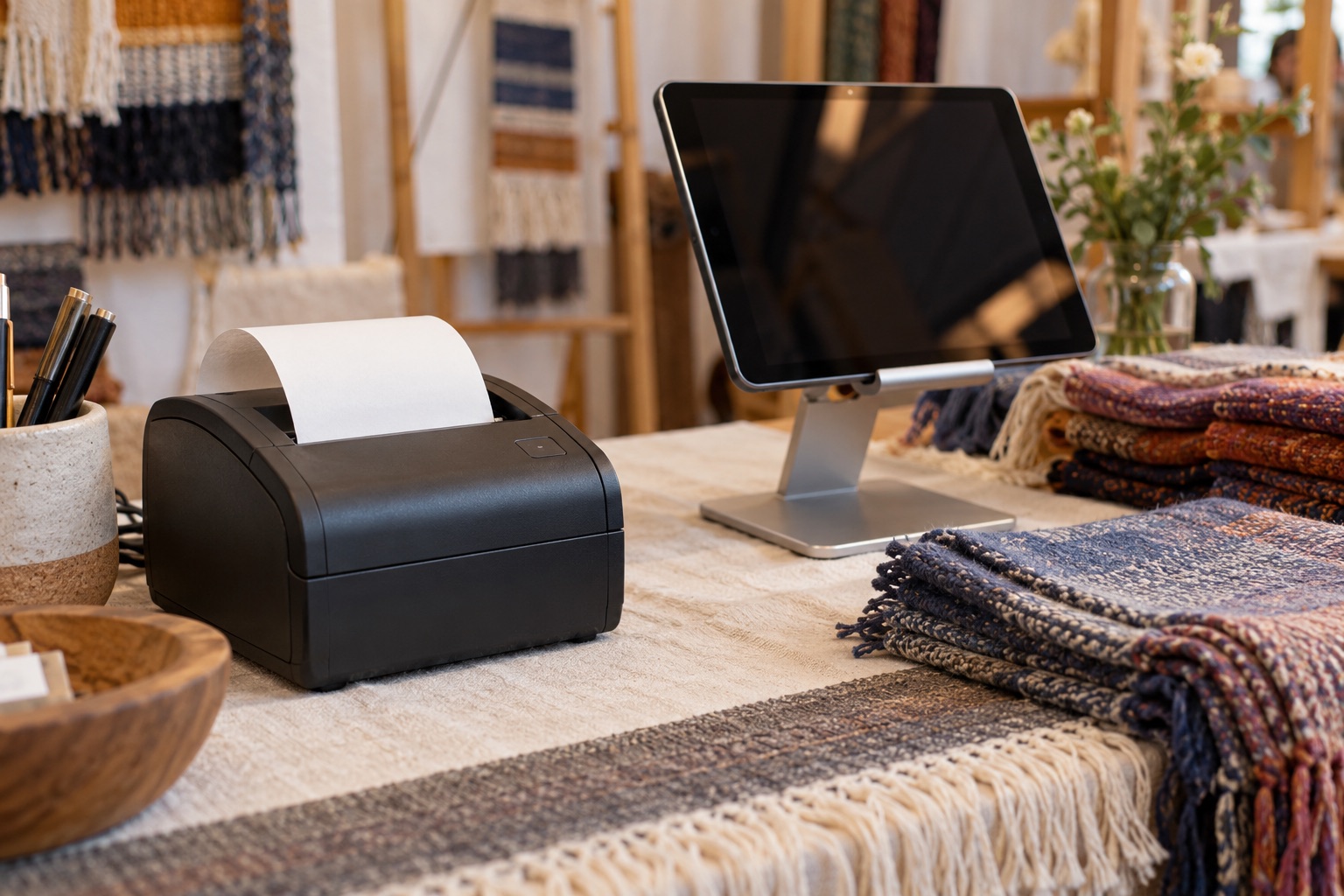
A receipt printer can make checkout feel organized, especially when customers want a paper record. It also adds another device, connection, power requirement, and supply to your booth. Decide what problem it will solve before choosing a model.
Start with the checkout you already use
Write down your payment app, device model, operating system, and available connections. Then consult that provider’s supported-hardware list. Square’s compatibility guide, for example, makes clear that accessory options depend on the device running the point of sale. A printer described as Bluetooth or USB is not automatically compatible with every checkout system.
Check the exact model and variant. Similar names can conceal different interfaces. If buying used, confirm the model number and included power supply rather than relying on a listing photograph. Ask whether you will need a hub, cable, or separate network equipment.
Choose a workable connection
A direct connection may be convenient at a small booth, but it must be supported by the app and device. A network printer introduces a network you have to establish and maintain. Do not assume the venue’s public Wi-Fi will let your devices discover each other.
Providers publish different supported combinations. Shopify’s hardware guidance and Lightspeed’s hardware list are useful examples of why compatibility should be checked within your own system, rather than transferred from another seller’s setup.
Include power and paper in the decision
Check whether the printer has a battery, needs mains power, or requires a particular adapter. Add its demand to your portable-power plan if appropriate. Measure the printer with its cable connections and allow room to open the paper compartment.
Identify the specified paper width, roll dimensions, and paper type. Keep spare rolls in a clean, protected place and rehearse changing one. A printer that fits neatly behind the tablet may still be inconvenient if you must move several fragile pieces to load paper.
Test the complete transaction
Run a permitted test transaction or training workflow using your provider’s instructions. Check that the receipt contains the business and item information you intend, that text is legible, and that the paper feeds cleanly. Test the refund or reprint workflow too.
Turn the equipment off, pack it, and set it up again. Confirm you can reconnect without searching for instructions during a customer’s purchase. Keep a short setup note with the equipment rather than relying on memory.
Keep a fallback
Choose an alternative receipt method supported by your checkout system and explain the available options clearly. A customer providing an email address for a receipt is not the same as asking to join your marketing list. Keep those choices separate.
Compare the printer’s total cost with how often customers request paper and how much table space it consumes. Our card-reader comparison and booth technology guide can help you decide whether a printer is the next useful improvement or an item that can wait.